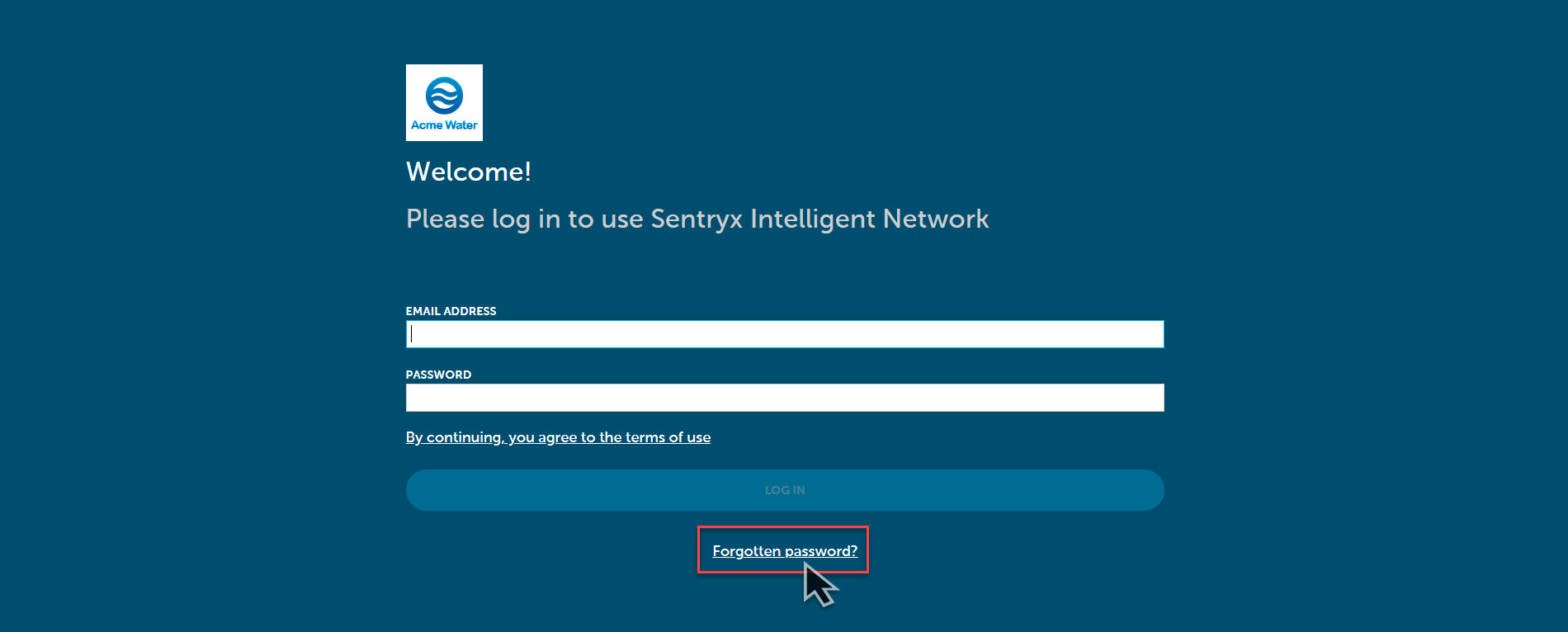
In case you forgot your password, you can reset it by clicking the forgotten password link as shown below:
This will take you straight to a password reset page, like the image below:
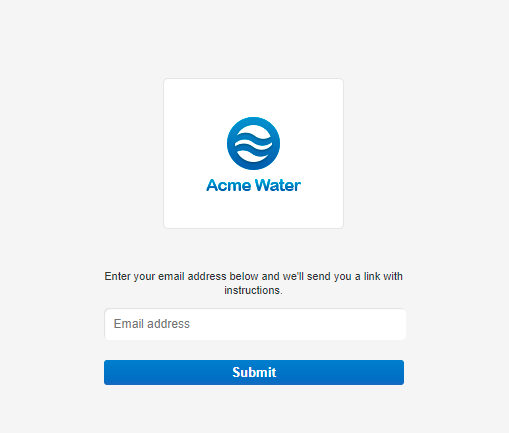
Enter your email address and you will receive a link with instructions on how to reset your password.
Your password will be at least 8 characters long.
It must contain:
- at least one capital letter (A,B,C, etc)
- at least one lower-case letter (a, b, c, etc)
- at least one digit (0-9)
- at least one special character (%, $ or @)
Other characters are not allowed.
Comments